 TF Admin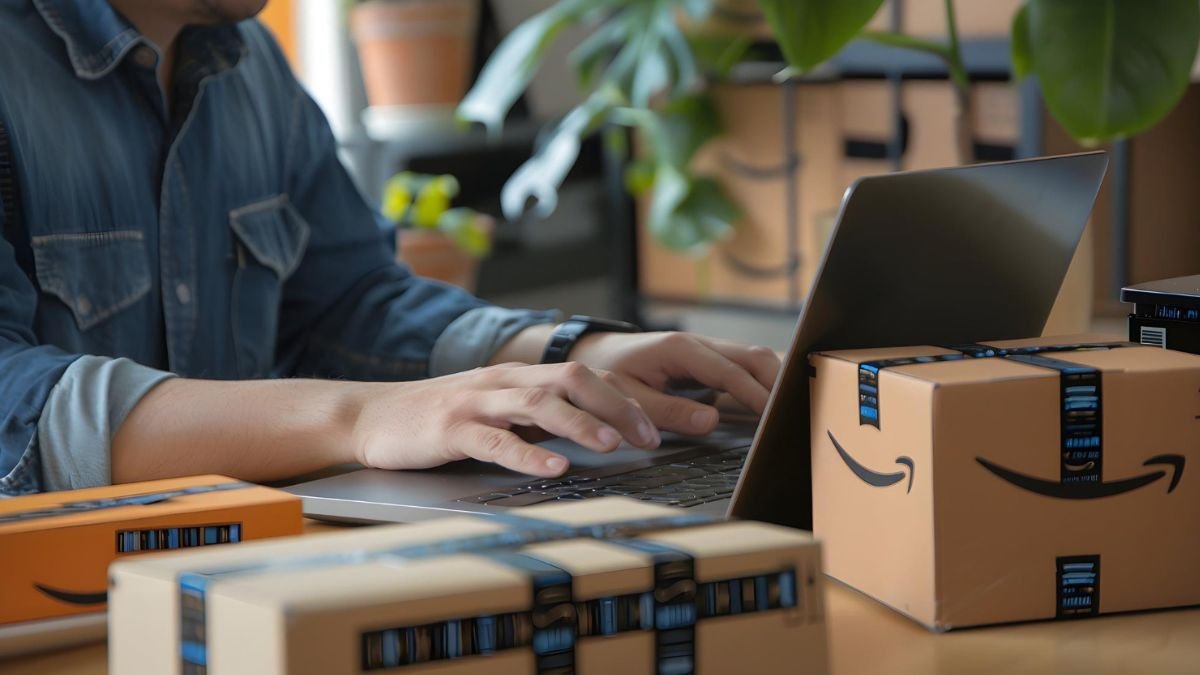
Going back to Amazon after having consumed the products used, once included printing out the label, packing the boxes and going to the drop-offs. But now, Amazon has made the process even simpler for iPhone users, since it is allowed that Amazon return QR codes can be stored directly in the Apple Wallet. This little but smart update helps you to complete returns faster, without digging into emails to print something or the other. If you do your shopping a lot on Amazon via your iPhone, then maybe this will be one feature that will save you some time, effort and perhaps even a bit of stress.
So, let’s get to know how it works out, how it’s helpful, and whether it’s worth it or not.
What Is an Amazon Return Code?
When you decide to return an item on Amazon, you are given different ways to return it – possibly drop it in a UPS store, Kohl’s, Whole Foods or return counters. Instead of you printing a return label, Amazon will typically print a QR return code that will be scanned by the store for processing your return. This QR code instructs them about where to send the item back.
Previously, in order to do this, you had to look up this QR code in your mail, Amazon app or shots. Now, at least you can just put it in your Apple Wallet, and you can access it instantly.
How It Works with Apple Pay wallet
Once your return at Amazon is initiated using your iPhone, you will be issued a return QR code. Instead of just scanning it from the app, Amazon now has the option of “Add to Apple Wallet.”
Once added, your boarding passes, tickets, as well as loyalty cards or passes are displayed in the form of a QR code in the app ‘Wallet’. You walk into a UPS Store or an Amazon return partner store location, open up the Wallet, show the code to the person and hand the product. No packaging and no labels, no hassle.
Why is this a Useful Feature?
This sounds like a minor update, but it does eliminate some common everyday issues:
- Easier Access – No more checking emails or looking at Amazon order pages. Your return code is at a tap away.
- Faster Drop-Off – When you reach a return location, you would not have to waste time looking up your code. Just open Apple Wallet, face the QR code, and scan it.
- Paperless and Packaging Free – Most Amazon return locations will accept unpackaged products, so you will not have to print labels or find any boxes.
- Works Offline – Once saved to the Apple wallet, the QR code is viewable without an internet connection.
Who Benefits the Most?
This is particularly a valuable feature for people who:
- Are routinely making returns with Amazon
- I like to take advantage of Amazon’s “label-free and box-free” drop-off locations
- For travelling, payments/passes
- Want more speedy, organized returns – without the printing / searching through the mail
It’s even easier for individuals who bring back goods like at UPS stores or Kohl’s stores, where all you do is scan.
Is It Safe and Secure?
Yes. Apple Wallet makes use of security and privacy features to ensure the information is kept safe. The return code doesn’t tell you anything that is personal information, such as your address, account information, or payment information; instead, it just contains the instructions on how to return a product.
Also, due to the device-based nature of the QR code, if you delete it or even cancel the return on Amazon, then it will become invalid.
How does it enhance the Return Experience?
The process of traditional returns was often a hurry-up process, especially if you were at a drop-off counter trying to search for your QR code in crowded emails. With Apple Wallet, returns become fast, organized and simple.
It additionally makes the process more mobile-friendly and in line with the way people today shop and control their accounts – on the go from their smartphones.
Final Thoughts: Is it Worth it or Not
Absolutely. If you are an iPhone user and you are returning goods purchased from Amazon every now and then, a really good option is to save the return QR code to Apple Wallet so that you can save time. It makes the clutter disappear and makes it much quicker to get back, and makes it quite a bit smoother.
It may not be an earth-shaking technological upgrade, but it’s a very ingenious, practical upgrade that makes everyday life just a tiny bit easier.
Also Read: How To Earn Money Online Without Investment?
About the Author